
Wordmark
The main cut. Wherever the word fits, use the wordmark alone.
24 px tall and up
Brand · Files
The logo, the app icons, the fonts and the colours. The logo is black or white, never mint.
01 · Logo
Outlines in SVG, and PNG at 1600 and 400 px wide on a transparent ground. Black on light grounds and on mint, white on dark grounds.
The main cut. Wherever the word fits, use the wordmark alone.
24 px tall and up


A little more space between the letters and a shorter tail, for small sizes.
16 to 23 px tall


The sun over one wave. For square spaces without a tile.
24 px and up


Symbol left, word right, one file. Only where the symbol and the name have to appear together.
24 px tall and up
02 · App icons
The symbol alone on its tile. Nothing else goes on the tile. PNG at 1024, 512, 180, 32 and 16 px.
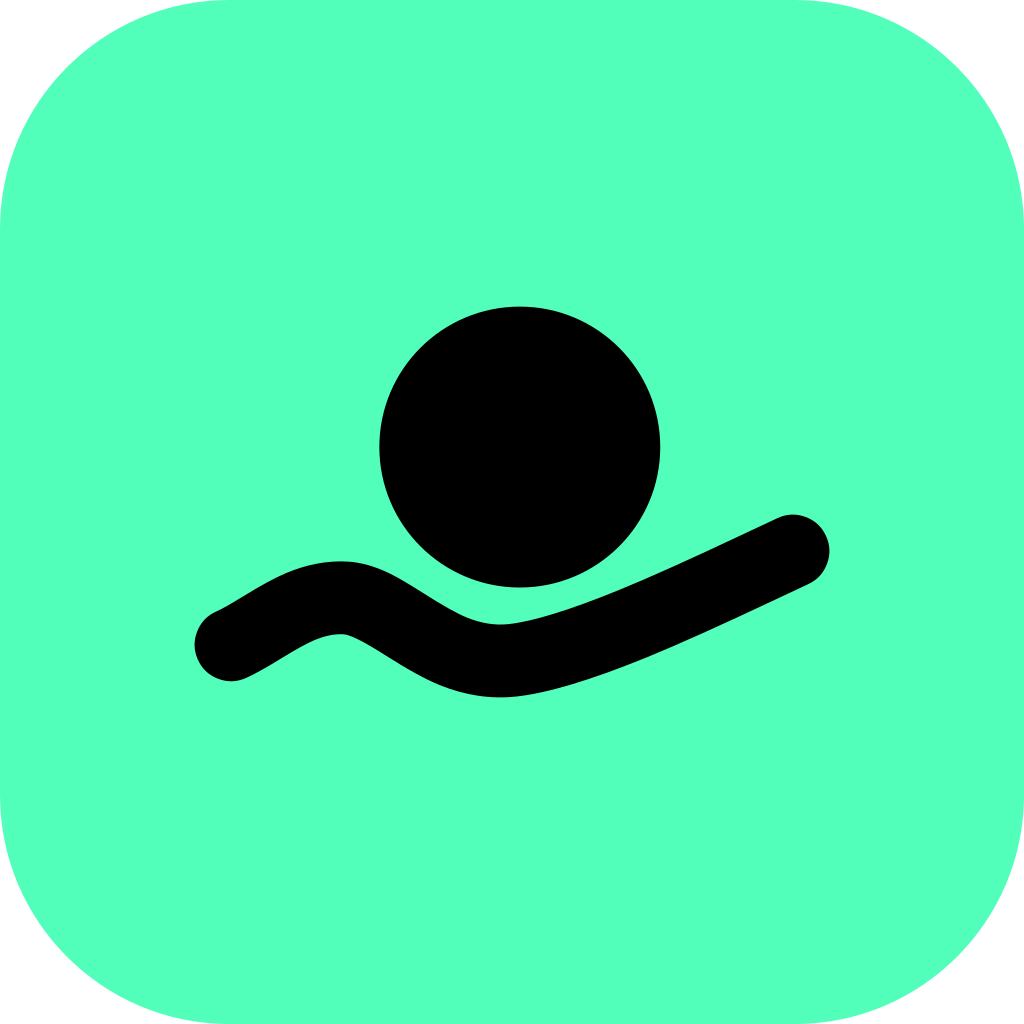
The primary icon: the black symbol on a mint tile. Home screens, app listings, avatars.

The white symbol on black, where the mint tile would clash with the ground.
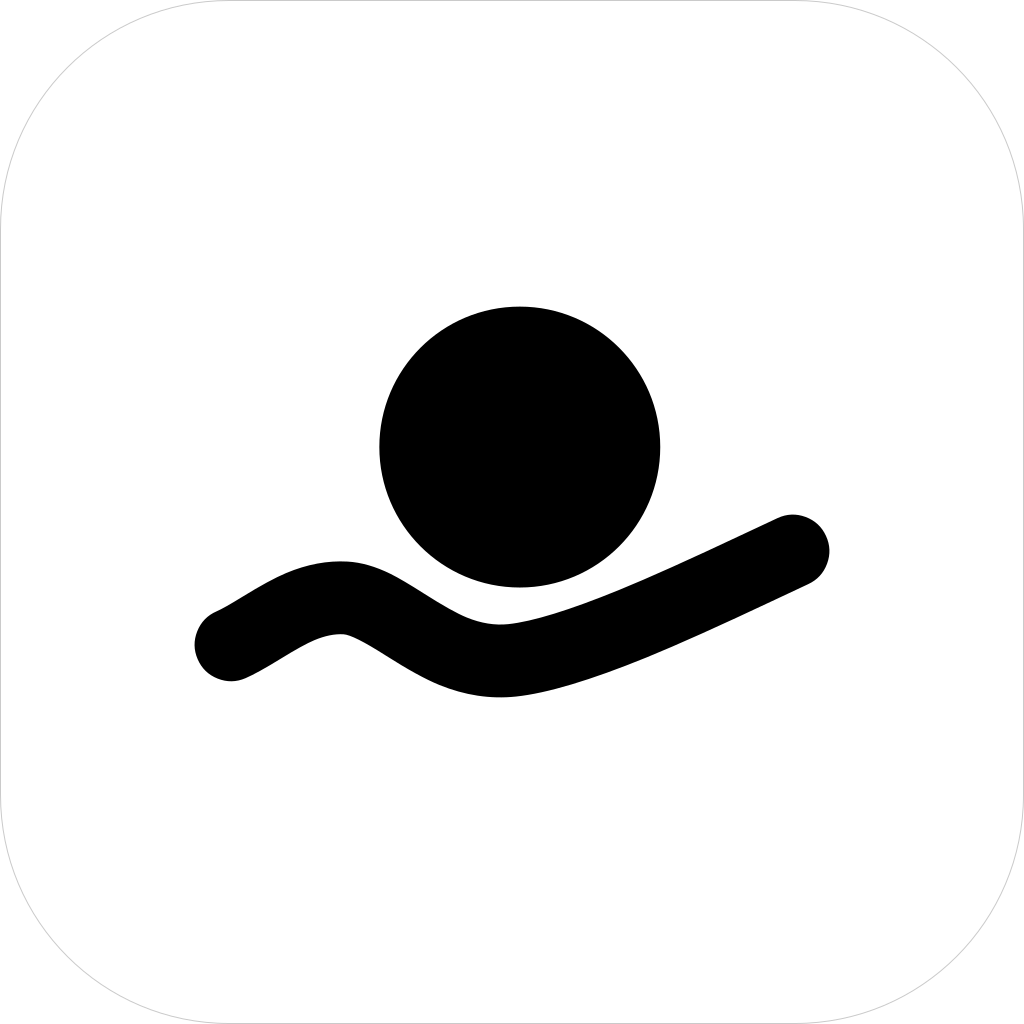
The black symbol on white with a thin grey edge, where a tile must still read as a tile on a light page.


The mint app icon for browser tabs and bookmarks: SVG, ICO at 16, 32 and 48 px, and the 180 px touch icon, a full-bleed square that iOS rounds itself.
In a web page's head
<link rel="icon" href="/favicon.ico" sizes="32x32">
<link rel="icon" href="/plungeai-favicon.svg" type="image/svg+xml">
<link rel="apple-touch-icon" href="/apple-touch-icon.png">03 · Type
Two free typefaces. The wordmark is outlines, so it needs neither.
For reading, at weight 500; 700 for buttons, eyebrows and prices.
For labels, chips, buttons, code and data, and for whole technical pages.
Both are under the SIL Open Font License 1.1: send the licence, OFL.txt, with the TTF files.
04 · Colour
The one company colour: fills, the app-icon tile, highlights, the focus ring and the footer. Text on mint is black. On light grounds, mint as text uses mint ink.
Fresh mint
#52FFBA · text on it is black
Mint ink
#007A49 · mint as text on light
#EDEDED
The page every light section sits on.
#151515
Dark slabs, and text on the light page.
#545454
Small text on light grounds.
#FFFFFF
Cards on the light page, the white logo.
#000000
Text on mint, the black logo.
Every value as CSS variables
Colour tokens, plungeai-tokens.css · 5 KB05 · Products
Each product takes the mint’s roles in its own surfaces, with its own ink for text on light. These colours are proposals, not yet confirmed.
#FF7125
Ocean orange. Ink #B84000 for text on light.
#FF5CC3
Signal pink. Ink #CC0081 for text on light.
#9B8AFF
Ownership violet. Ink #5133FF for text on light.
#FFE53D
Highlighter yellow. Ink #7A6A00 for text on light.
06 · Use
Wherever the word fits, use the wordmark alone. Use the symbol alone for the app icon, the favicon and avatars.