For clients
Getting in
You do not sign up in Agency Studio: the agency invites you.
- You get an invite mail from PlungeAI Agency.
- Open the link and sign in with a PlungeAI account under the same email address the invite went to (create the account if you have none).
- Accept the invite. Agency Studio opens your company's workspace.
A workspace has two kinds of user. Your agency sets the role when it invites you.
| You can | Approver | Viewer |
|---|---|---|
| Read work, requests, brand, performance and the timeline | Yes | Yes |
| Comment on work, message your lead, ask the account bot | Yes | Yes |
| Send briefs, accept or decline proposed requests | Yes | No |
| Approve, request changes, decline | Yes | No |
| Edit the brand, block list, brand kit, goals & budget, trust & controls | Yes | No |
| Pay: start a plan, update the card, pause, resume, cancel, accept change orders | Yes | No |
| Set planned work, invite teammates, share a piece or a report, give case-study consent, accept an outcome fee option | Yes | No |
| Watch a production live (when the agency turned it on); choose your own mail switches | Yes | Yes |
| Stop a live production or change its direction | Yes | No |
| Download your data and delivery packs | Yes | No |
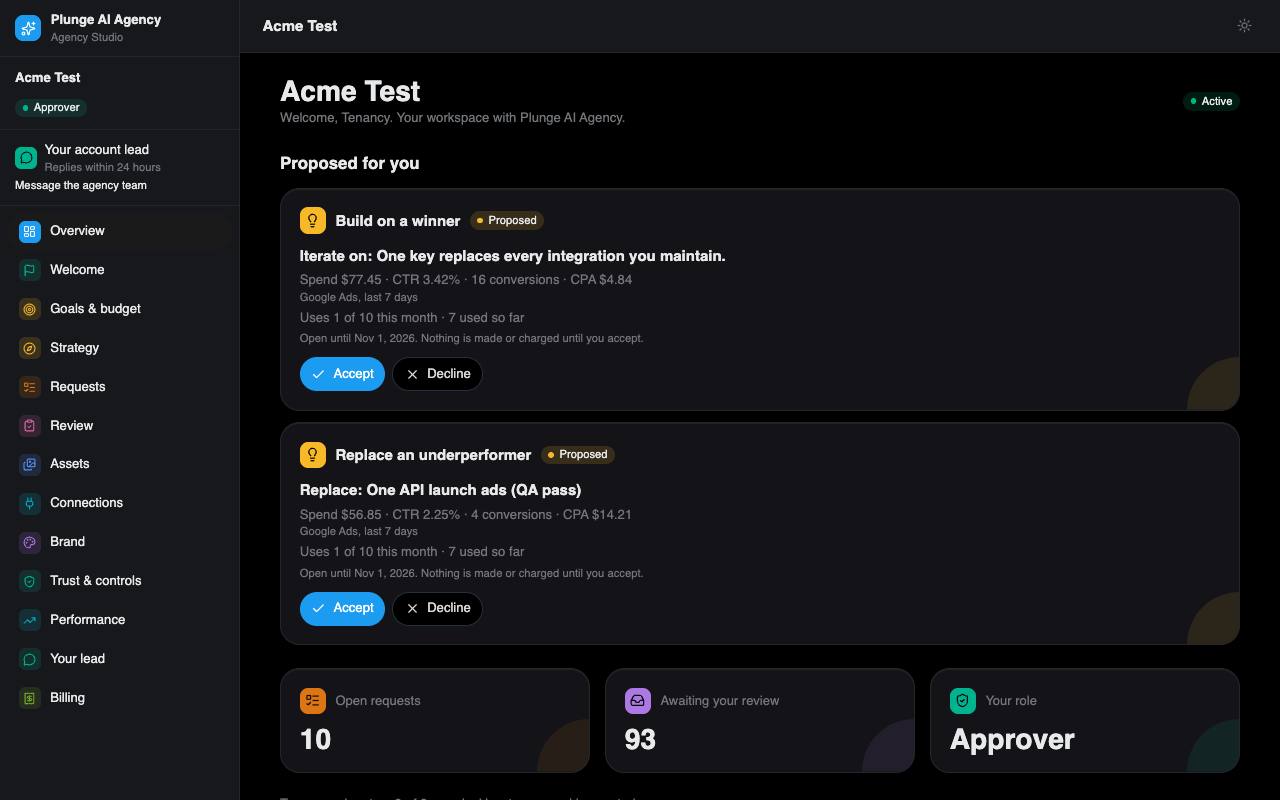
The sidebar lists the pages of your workspace: Overview, Welcome, Goals & budget, Strategy, Requests, Planned work, Review, Assets, Connections, Brand, Trust & controls, Performance, Your lead, Learnings, Team & notifications and Billing. If you came in through the free sample at sign-up, approvers also see Samples.