For the agency team
Running a client
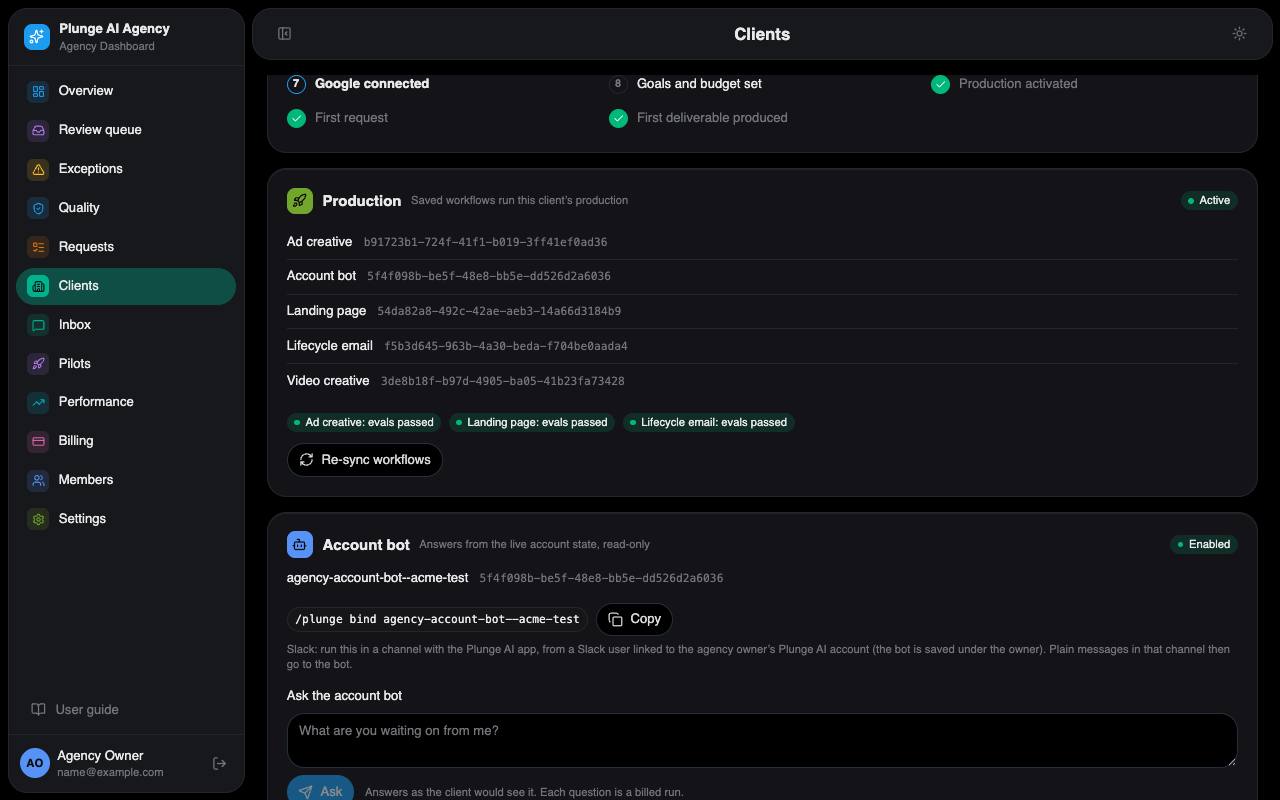
A client goes from lead to first request in this order. The client page's onboarding checklist shows the same steps with what is done.
- Lead. A prospect fills in the start form on the site. A sign-up for the entry package that passes the fit gate and gets a seat becomes a client by itself, with a draft plan and a checkout link. Anything else stays a lead for you.
- Convert (lowest role: strategist). Clients › Leads › Convert, optionally with a package to draft the plan from. If the business is already a client, the lead is closed onto it instead.
- Invite the approver. Converting invites the lead's email as the client's approver; add more client users on the Client users tab.
- Brand ingest. An ingest run reads the client's website and writes a brand draft with proposed claims. Sign-up clients get it started by the scheduled job.
- Sample. A sign-up client gets one free sample: three square display images, made on the draft brand, shown to the approver in Agency Studio. Capped per domain and per day by the Rulings.
- Brand approval. The approver confirms or fixes each section and approves the brand in Agency Studio; a strategist can approve a version on the Brand tab. A client in a regulated industry opens an exception and waits for that approval.
- Activation (lowest role: admin). The Production tile saves the client's workflows. It refuses without an approved brand, and while the evals gate is shut (the QA rules of the client's templates have no passed eval run). Only the owner can skip the gate, with a reason that is recorded.
- Plan (lowest role: admin). Draft a plan on the Plan tab, then send the checkout link. The link waits until the client has accepted the terms in Agency Studio.
- Google connection. Connect
googleon the Connections tab: one consent covers Google Ads and GA4. A connect link works once, for 15 minutes. - Goals. The client sets the spending envelope and the outcome plan in Agency Studio. You read them on the Goals tab; you cannot write the envelope.
- First request. The client sends a brief, or you create one.
The client page
Client users
Approvers and viewers, invites and their state.
Connections
The client's Google connection and its health. A required connection that drops mails the owner once.
Lead
The account lead (reviewer or above). A change mails the client's approvers.
Goals
The envelope, read-only ("Set by the client"), the outcome plan's progress, targets and "Pull baseline" (needs Google's API access).
Strategy
Discovery (how the client sells), the monthly strategy memo the account lead edits and signs, and the quarterly briefing: drafted by the job from the agency's opening text and the quarter's three learnings notes, edited by the lead (strategist or above) and sent to the client's approvers; the "Quarterly briefing drafted" exception closes with the send.
Brand
Versions, the draft, learned lines, librarian proposals, the block list and the brand kit. See Brand operations.
Claims
Proposed, approved and rejected claims; approve, reject or reword.
Trust
The client's AI restrictions and likeness consents, read-only, and the client's share links (what was shared, by whom, until when, how often opened; a link is never turned off from here).
Plan
Plans, the terms line, the checkout link, invoices and the ledger with the owner's refund; on the plan card the outcome fee offer (admin); the referrals tile (the client's code and link, the credits earned, who it referred and who referred it); and billing groups.
Planned work
The client's rhythms, read-only: rhythm, pieces a cycle, next and last due in the client's zone, on or off, the standing approval behind it. Admins see "What would start now" for a rhythm: the plan of the cycle without starting it.
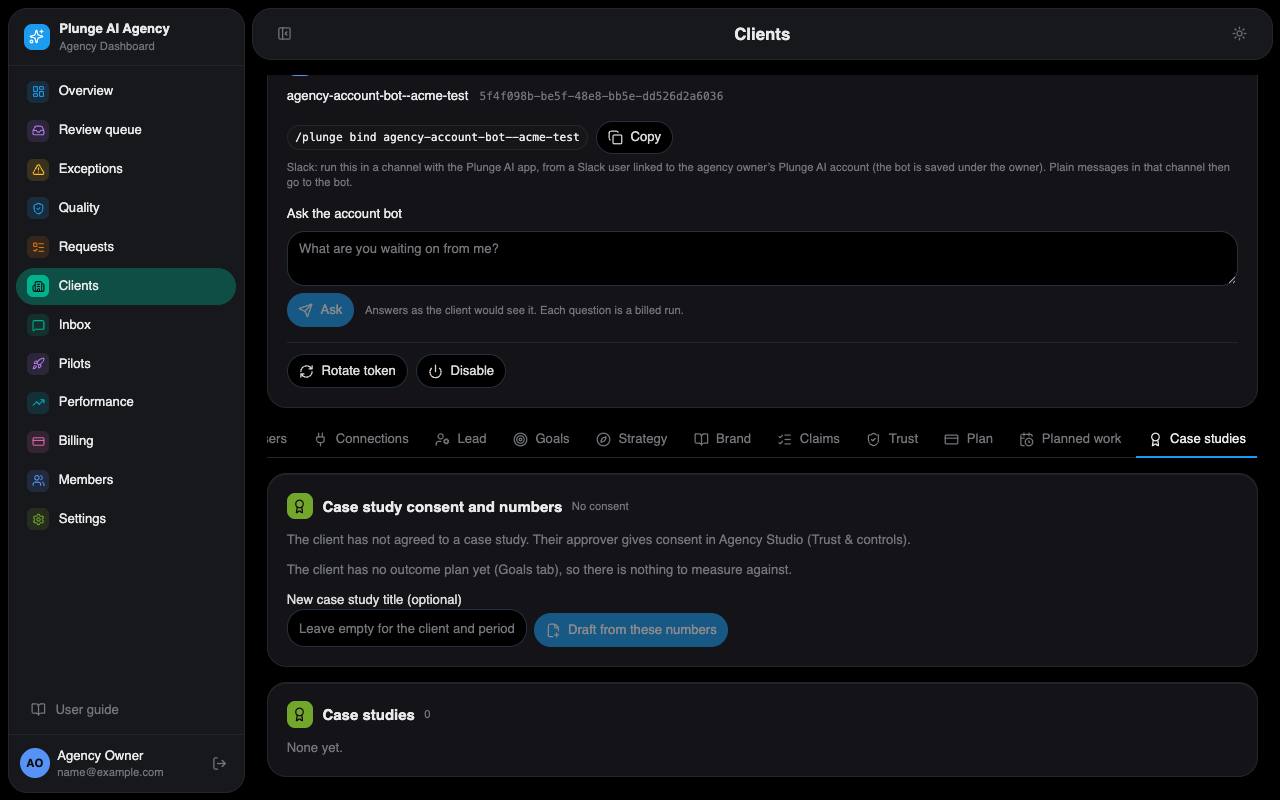
Case studies
The client's consent (and whether it may be named), the numbers measured now or why none can be, and the client's studies. The owner drafts one with the numbers measured now, edits its title, slug and Markdown, publishes and unpublishes; a publish refuses a figure the text states that was not measured.
Digest & Slack
Digest weekday and hour, the client's Slack webhook (write-only), a test send.
Timeline
Every event of the client, in operator wording.
Profile
Name, website, industry, service lines, video, time zone and the other client settings.
Above the tabs sit the onboarding checklist and the Production tile (each template's eval state, Activate and Re-sync). Admins also get "Download client data"; the owner gets the erase card.