For the agency team
The daily loop
Most of the work runs by itself (see Production and The clock). Your day is the four places where the pipeline waits for a person, in this order:
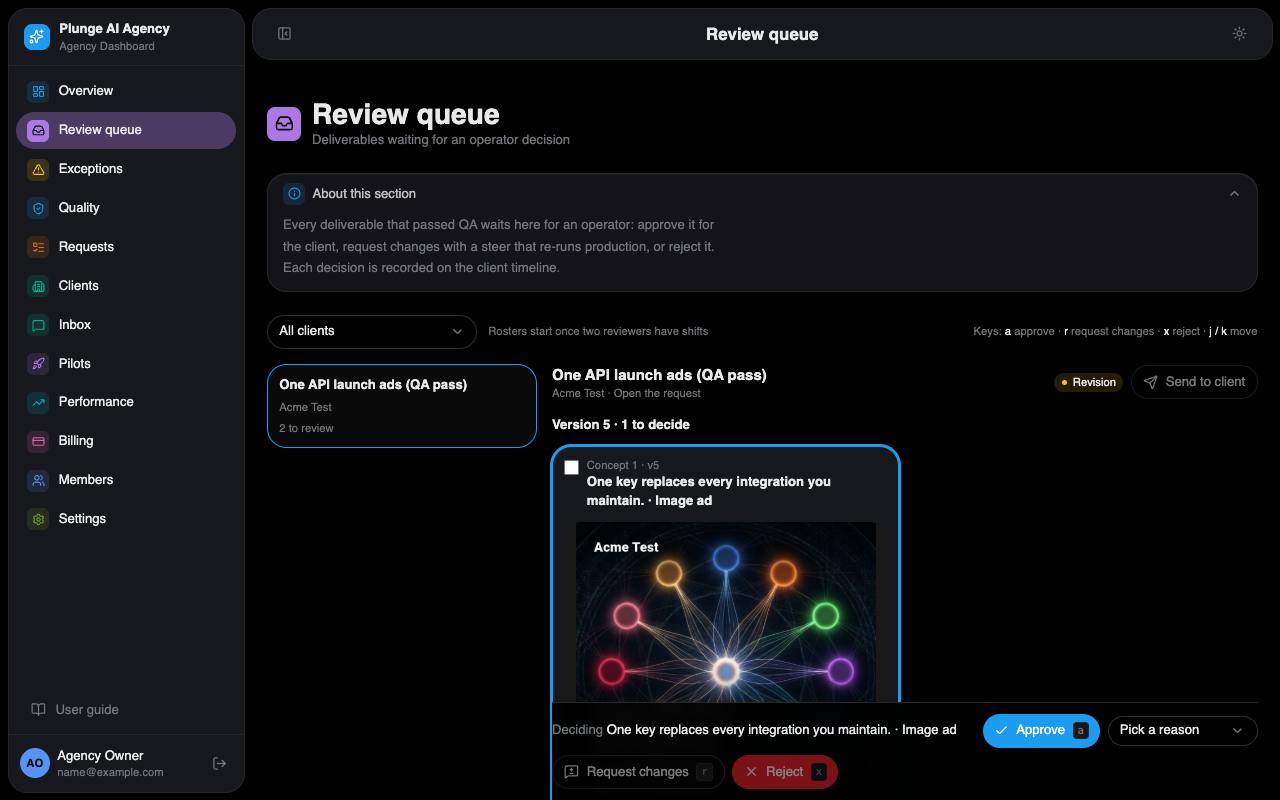
- Review queue. Every piece the QA gate passed or held lands here in internal review. Decide each one. A request goes to the client the moment every piece of its latest version is decided.
- Exceptions. The Open tab, oldest first. Each row says what stopped and what to do: retry once the cause is fixed, open the request, or dismiss it with a note.
- Inbox. Client messages to their lead, the one due soonest first. Reply within the lead reply time (24 hours until the owner rules otherwise), then close the thread when it is done.
- Requests board. Look for work stuck in a status and for SLA warnings. A request in the last 20% of its turnaround window is marked, and its account lead gets a mail.
What the pipeline does alone
- Takes on a client's brief: assigns the owner (the account lead), stores the quote and starts production, or opens an exception saying why not.
- Checks every concept in the QA gate, breaks ties, checks every image, and repairs a failing ad set once.
- Retries a failed run once. Credits a per-piece fee when no retry follows.
- Sends a version to the client once you decided all of it, sends reminders, and marks a request delivered when the client approved it and nothing will publish it.
- Sends the weekly digest, renewal reminders, payment-hold notices and the other client notices.
Where a person is needed
- Internal review of every piece before it reaches the client.
- Exceptions, including QA holds (a split vote or an image that could not be checked).
- Change orders: the client accepts them in Agency Studio, or an admin decides one in the Dashboard.
- Publishing (Google Ads only, and not live until Google grants API access).
- Signing the monthly strategy memo, replying to clients, sending lead reply drafts.