For clients
Reviewing work
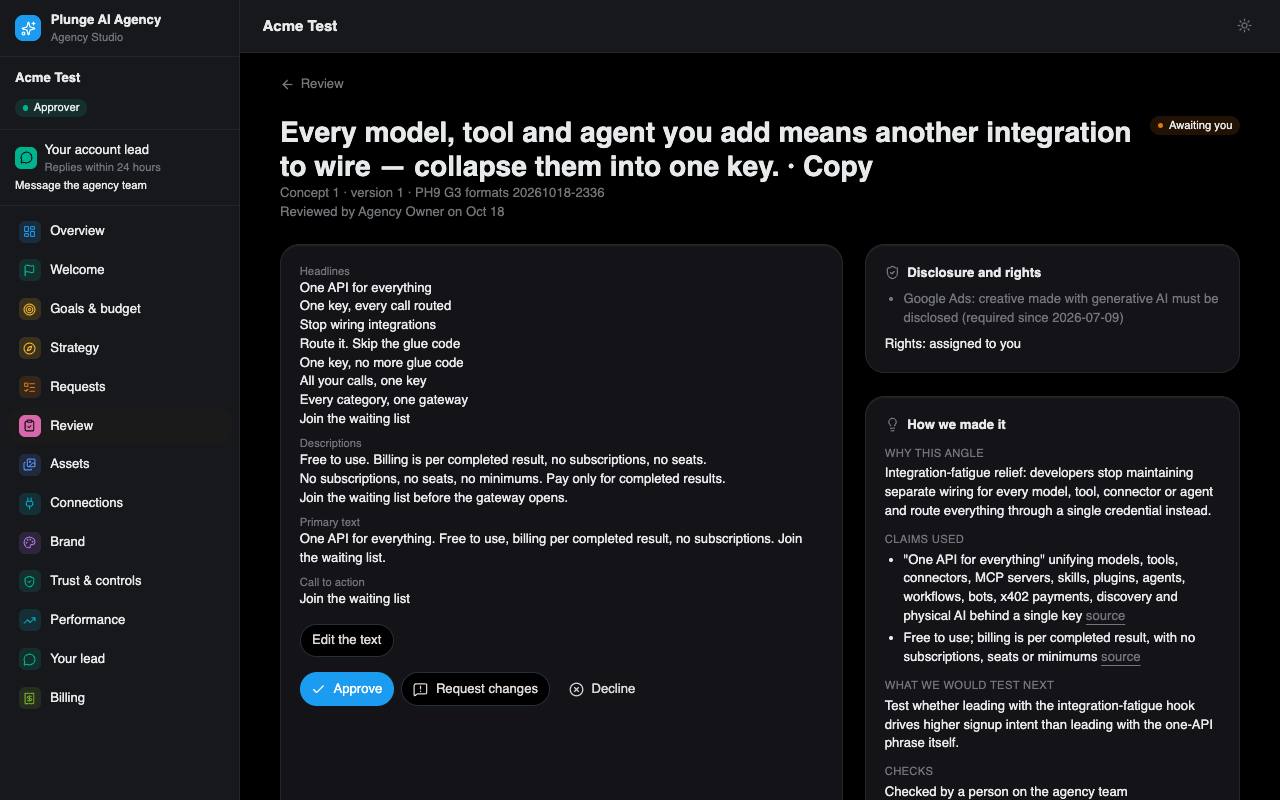
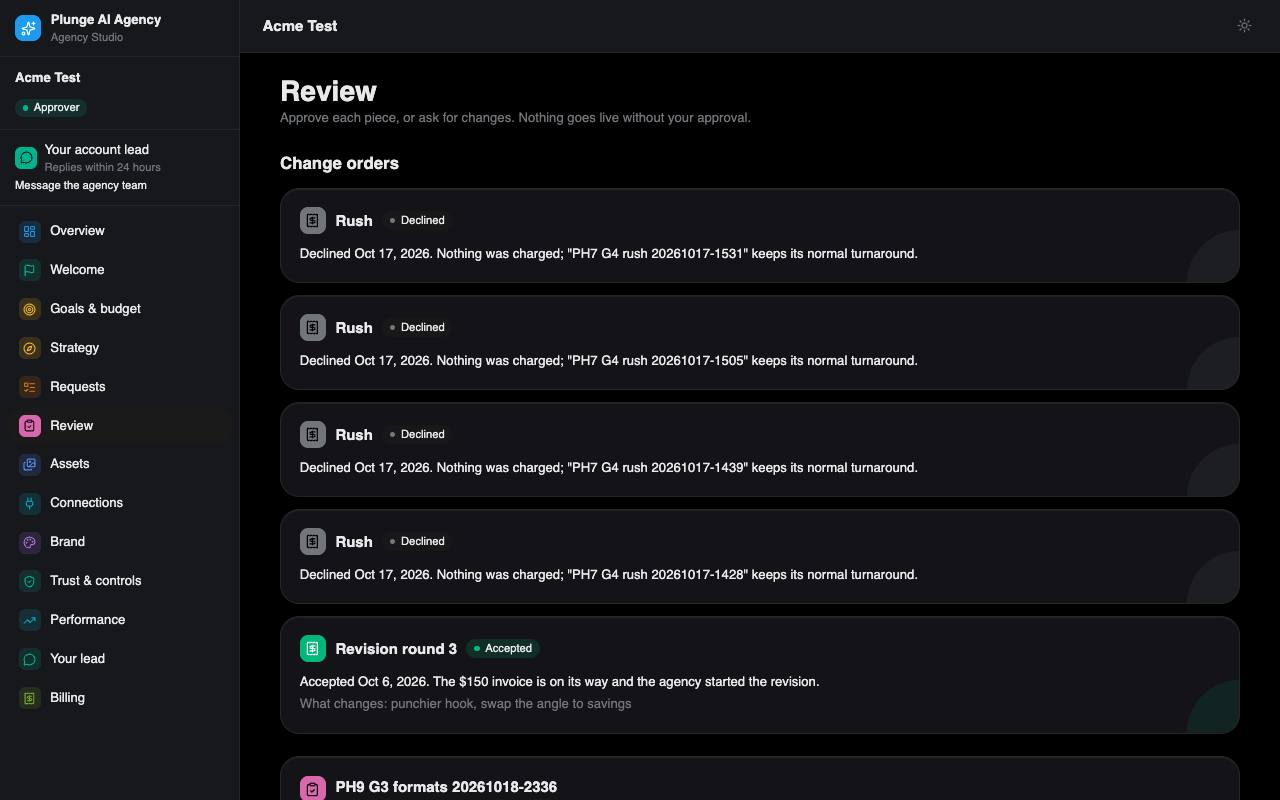
Work reaches you after the automatic QA gate and a person at the agency. The Review page lists everything waiting for your decision, grouped by request.
One deliverable
Open a piece to see it full size: an image, a clip, a landing page in a safe frame, or an email. The explain block tells you, in plain words:
- The angle the writer took, and what to test next.
- The claims used, taken from your approved list.
- The QA line, for example "Passed brand, claims and policy checks".
- Who did what: what AI wrote or made, what a person edited, who approved and when, plus "Reviewed by" the person at the agency who signed it off.
Your decision
| Decision | What you give | What happens |
|---|---|---|
| Approve | Nothing | The piece is approved. It can be delivered, and published once publishing is live. |
| Request changes | A reason and a note | The agents make a new version from your note. It uses one of the request's revision rounds; past the included rounds it becomes a change order you accept first. The page tells you which round it would be before you send. |
| Decline | A reason and a note | The piece is closed. If you decline every piece of a version, the request closes and uses no unit. |
Reasons: Off-brand, Claim, Policy, Visual, Brief miss, Taste / preference. Every decision and note teaches your brand a learned line.
Also on the page: notes you can add at any time (the next round takes every open note), Compare with previous to see the last version side by side, and comments, which every user of the workspace can write.
Edit in place
An approver can fix the text of a piece in client review, such as a headline, without a new run or a revision round. The edit is checked against your approved claims and brand rules and logged on the piece.
Review by mail (magic links)
When work is sent to you, each approver gets a mail with their own links. A link opens the piece without signing in and records one decision. It stops working once used, once it expires, or when the piece was decided elsewhere or replaced, and the page says which. Reminders bring a fresh link.
Reply to a review mail
Each approver's review mail has its own reply address. Replying with approve, decline: and a reason, or changes: and what to change, on the first line decides the piece once, if the reply comes from that approver and passes the sender checks; anything else, or a second reply, reaches your lead as a message. A reply address works for seven days.
Not live yet. Replies by mail wait for the agency's inbound mail routing; until then use the links or the workspace.
Reminders and deemed acceptance
With the agency's default settings you get reminders 24 and 44 hours after work is sent. At 48 hours, if both reminders went out and you have accepted the terms, the request is marked deemed accepted: it counts once against your plan. It approves nothing, and publishing still waits for a real approval.
What approving means for billing
A request uses its unit when it first reaches Approved. On a per-piece plan your card is charged when you approve the piece (the default) or when you send the brief, depending on the agency's rule; the unit line says which. If an admin at the agency approves on your behalf, for example after a call, you see who did it and their reason on the timeline, in a mail and in the digest.
Delivery pack
On Assets, approvers can download one ZIP per request with approved work: the latest approved version of each piece, copy.csv, manifest.json with each piece's AI manifest, and a README.txt. A pack can hold up to 50 MB.
Notices that would land between 21:00 and 08:00 in your time zone wait until morning. Approvers also get a short daily note at 17:00 when something moved that day; you can switch it off.