Canvas
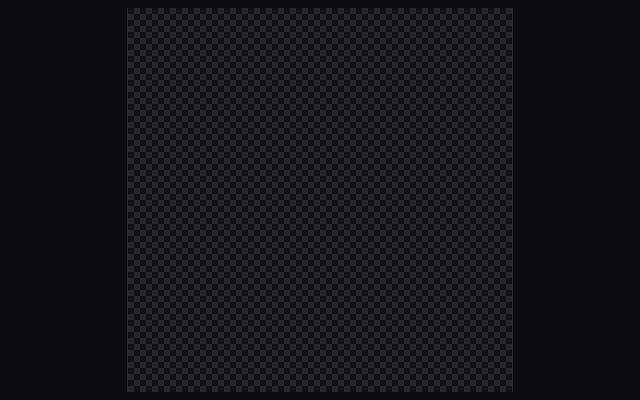
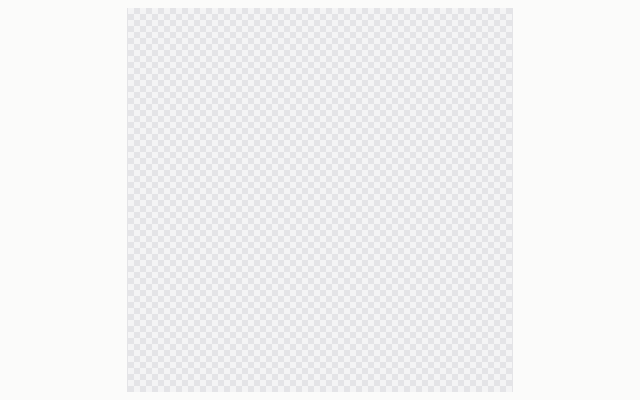
A canvas fills the space left in its Ui and hands a CanvasPainter egui-wgpu's device, queue and render pass, so an app can draw a large document, as an image editor does, without egui textures. Space and drag or a middle drag pans, and ⌘ with the wheel or a pinch zooms from 5 to 6,400 percent about the pointer, easing on the snappy spring. The gallery draws a 4096 px checkerboard from ocean-ui-canvas, fitted on first show. The web face does not draw it yet.
No web face yet
Today the Mac draws it through ocean-ui-native; the web face does not draw it yet.
On the Mac
The same vocabulary drawn by Ocean UI's native face (egui on Metal), as the gallery's snapshot.
Use it
Native
use ocean_ui_native::canvas::Canvas;
Canvas { id, view: &mut view, painter, fit_on_first_show: true }.show(ui)Cargo feature canvas of ocean-ui-native; available since 2026-10-29.
Props
| Name | Type | Default | What |
|---|---|---|---|
id | Id | — | Keeps the canvas's eased view and first-show state between frames. |
view | &mut CanvasView | — | The zoom, pan and document size; input moves it and the app may set it too. |
painter | Shared | — | The CanvasPainter that draws the document, shared with the app and locked each frame. |
fit_on_first_show | bool | — | Fits the whole document the first time this id is drawn. |
Accessibility
- The canvas reports the Canvas role with a name that gives the document's size, such as "Canvas, 4096×4096".
- What the painter draws is pixels on the GPU, so nothing inside the document reaches assistive technology; describe it in the screen around it.
- Panning and zooming need a pointer or trackpad, so give the app keyboard commands that call CanvasView's zoom_about and fit.
- Under reduced motion the view snaps to each zoom and pan instead of easing.
Related
Markdown
The same page as Markdown, for an agent or a pull request.
# Canvas
A GPU surface inside any screen, showing a document at a zoom and pan drawn by your own wgpu painter.
A canvas fills the space left in its Ui and hands a CanvasPainter egui-wgpu's device, queue and render pass, so an app can draw a large document, as an image editor does, without egui textures. Space and drag or a middle drag pans, and ⌘ with the wheel or a pinch zooms from 5 to 6,400 percent about the pointer, easing on the snappy spring. The gallery draws a 4096 px checkerboard from ocean-ui-canvas, fitted on first show. The web face does not draw it yet.
## Use it
No web face yet: the Mac draws it through `ocean-ui-native`.
Native:
```rust
use ocean_ui_native::canvas::Canvas;
Canvas { id, view: &mut view, painter, fit_on_first_show: true }.show(ui)
```
Cargo feature `canvas`; since 2026-10-29.
## Props
| Name | Type | Default | What |
|---|---|---|---|
| `id` | `Id` | `—` | Keeps the canvas's eased view and first-show state between frames. |
| `view` | `&mut CanvasView` | `—` | The zoom, pan and document size; input moves it and the app may set it too. |
| `painter` | `Shared` | `—` | The CanvasPainter that draws the document, shared with the app and locked each frame. |
| `fit_on_first_show` | `bool` | `—` | Fits the whole document the first time this id is drawn. |
On the Mac:  
## Accessibility
- The canvas reports the Canvas role with a name that gives the document's size, such as "Canvas, 4096×4096".
- What the painter draws is pixels on the GPU, so nothing inside the document reaches assistive technology; describe it in the screen around it.
- Panning and zooming need a pointer or trackpad, so give the app keyboard commands that call CanvasView's zoom_about and fit.
- Under reduced motion the view snaps to each zoom and pan instead of easing.
## Related
- [Motion](/ui/components/motion.md)
- [Code view](/ui/components/code.md)
- [Grid](/ui/components/grid.md)